Share it.Keep it yours.
From your iPhone to your own cloud. Then straight to whoever needs it.

-
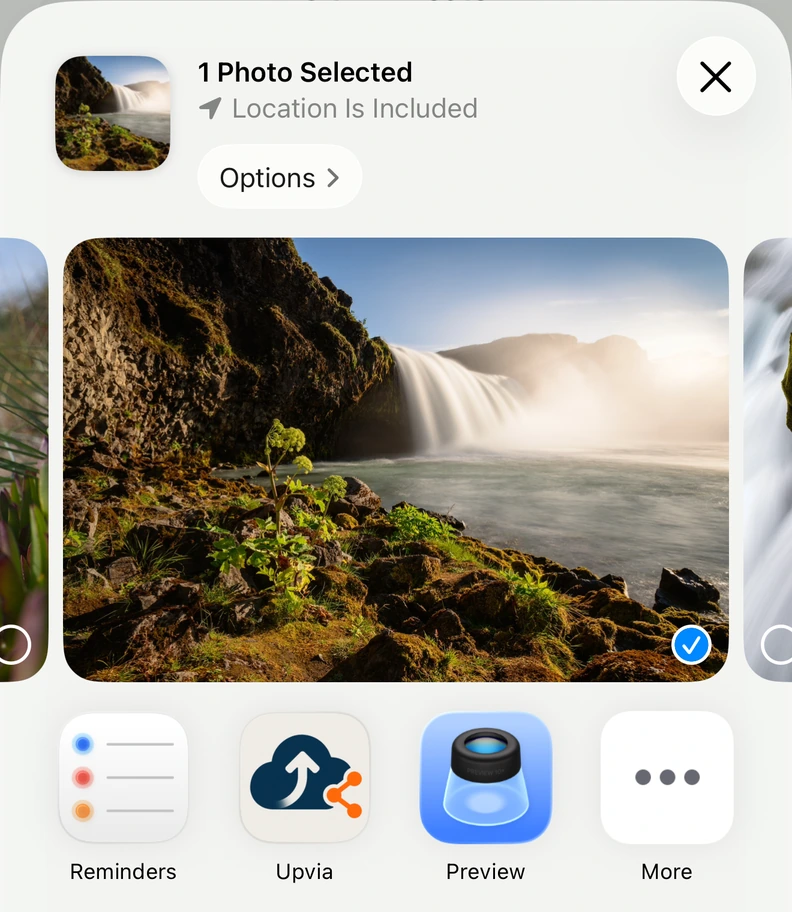
01 / Share
-
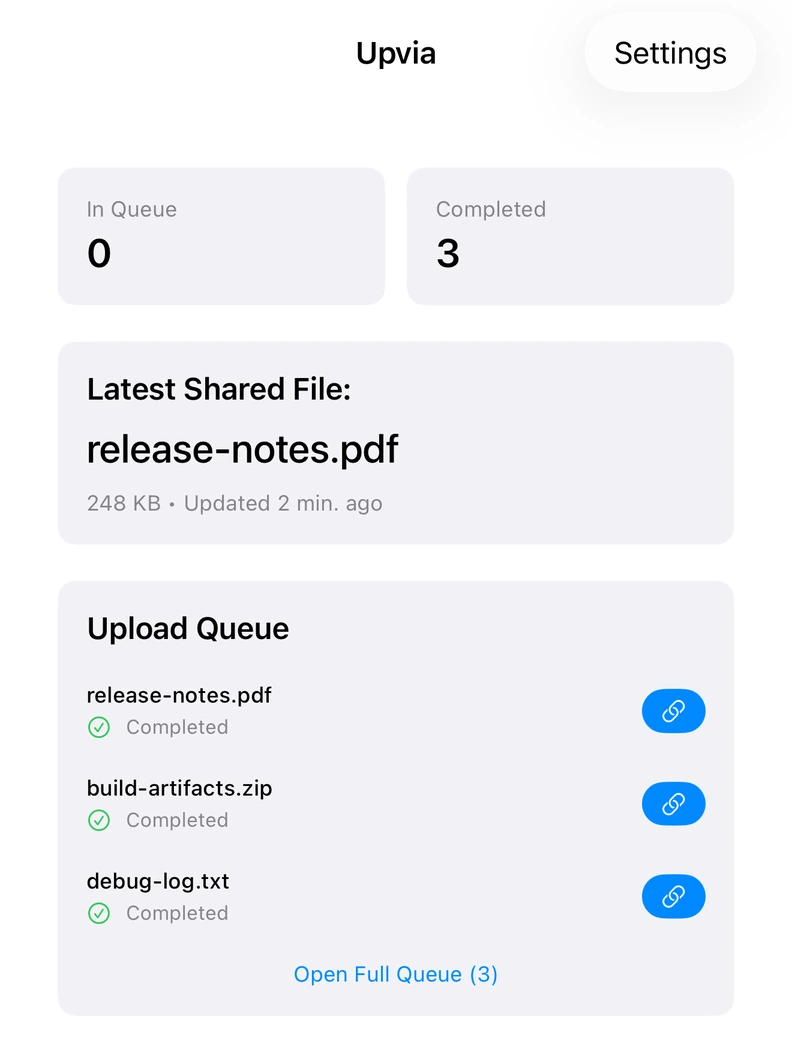
02 / Upload
-
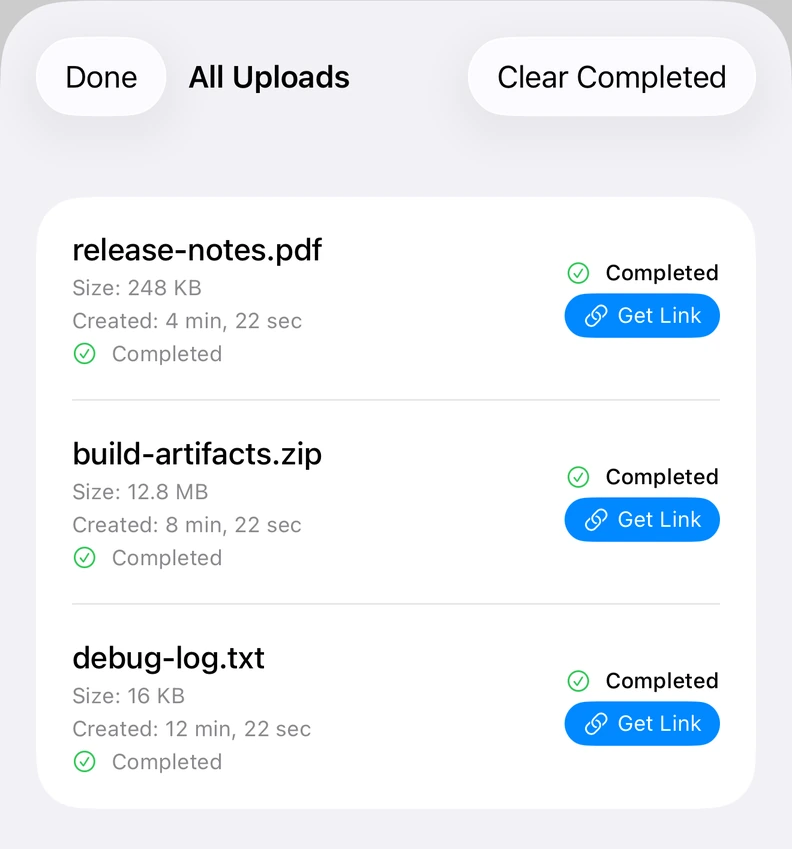
03 / Send the link

Connect your own bucket once. Use the share sheet from then on.
Works with your storage
- Amazon S3
- Cloudflare R2
- S3-compatible
Your bucket.Your rules.
Your files upload directly to storage you control. Upvia handles the everyday handoff.
- Credentials stay in iOS Keychain.
- Share links expire after 24 hours.
An existing S3-compatible bucket is required. Storage and transfer costs are billed by your provider.
A few things to know.
Do I need my own cloud storage?
Yes. Upvia connects to an existing Amazon S3, Cloudflare R2, or S3-compatible bucket. Add your bucket name, access keys, and region in the app, plus your provider's endpoint if needed. Storage isn't included with Upvia; your provider bills storage and transfer costs separately.
What happens after the free trial?
You can try the full app free for 31 days. After that, a one-time US$2.99 in-app purchase unlocks Upvia for life. There is no subscription. Your settings and upload history stay in the app. The price shown is for the US App Store; local prices may vary.
Where do my files and credentials go?
Files upload directly from your device to your chosen cloud provider, without passing through an Upvia server. Your cloud credentials are stored on your device in iOS Keychain. You manage the uploaded files and bucket access with your storage provider.
How long do download links last?
Upvia generates download links that expire after 24 hours. When a link expires, the file remains in your bucket. You can generate another link from the completed upload in Upvia.